How to Start SEO for a Website: A Step-by-Step Guide for Beginners

Written by Shivam Panchal
Founder & SEO Consultant, SEO Shades
If you want to learn how to start SEO for a website, begin by checking whether Google can access your important pages, researching what your audience searches for, and improving the content that answers those searches. Then optimize your page titles, internal links, technical setup, and website performance. Use Google Search Console to monitor results and decide what to improve next.
You do not need expensive tools or advanced coding skills to begin. A small website can start with a clear keyword plan, a handful of useful pages, basic technical checks, and regular performance reviews. The goal is to make your website accessible, useful, and relevant to the people you want to reach.
What Is SEO and How Does It Work?
Search engine optimization (SEO) is the process of improving a website so search engines can understand its content and users can find relevant pages through organic search results.
SEO involves more than adding keywords to a page. It includes making content useful, organizing information clearly, helping search engines discover important URLs, and ensuring visitors can use the website without unnecessary friction.
Google generally works through three main stages:
- Crawling: Google discovers URLs and fetches their content.
- Indexing: Google analyzes the available content and may store a representative version of the page in its index.
- Serving and ranking: Google selects relevant results for a search and orders them using its ranking systems.
These stages are related, but they are not interchangeable. A page can be crawled without being indexed, and an indexed page can receive little or no organic traffic. Indexing is not a guarantee of ranking or visibility for a particular keyword.
Google explains the process in its official SEO Starter Guide.
How to Start SEO for a Website Step by Step
The following workflow is suitable for a new website, a small business website, a blog, or an existing website that has never had a structured SEO plan. Complete the steps in order where practical, but fix serious technical problems before investing heavily in new content.
1. Understand Your Website and Set Up Google Search Console
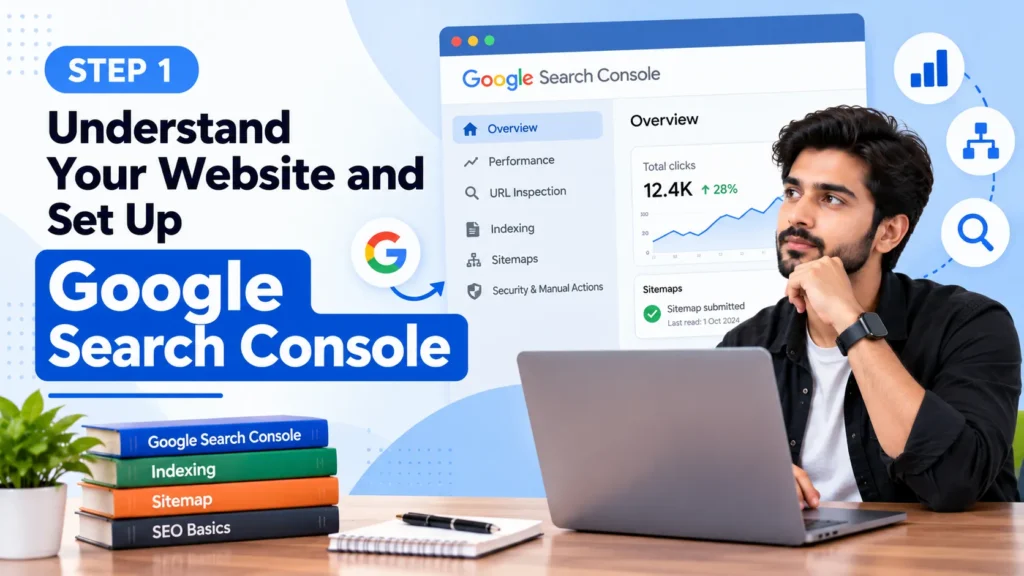
Before researching keywords or publishing new articles, establish a baseline. Identify the pages that matter most to your business and confirm whether Google can access them.
Start with Google Search Console, a free service that helps website owners monitor performance in Google Search and investigate indexing issues.
Follow these steps:
- Open Google Search Console.
- Add your website as a property and verify ownership using an available method.
- Open URL Inspection and enter the full URL of an important page.
- Review its indexing status, last crawl information, and any reported problems.
- Repeat the inspection for your homepage, main service or category pages, and important articles.
- Locate your XML sitemap and submit it through the Sitemaps report if appropriate.
If your website is new, start by checking the homepage and a few important pages rather than assuming every URL needs an indexing request. For an established website, review the Page Indexing report to identify patterns affecting groups of URLs.
A submitted sitemap helps Google discover URLs, but it does not guarantee that those pages will be crawled or indexed. Likewise, requesting indexing is a request, not a guarantee. Use URL Inspection to diagnose the problem before repeatedly submitting the same URL. See Google’s URL Inspection documentation.
You can also configure Google Analytics 4 (GA4) to measure website visits and relevant actions, such as form submissions, purchases, and sign-ups. Search Console and Analytics serve different purposes: Search Console reports on Google Search performance, while Analytics measures activity on your website.
Also Check : 2000+ Social Bookmarking Sites: Best Platforms for SEO
2. Find the Right Keywords for Your Website

Keyword research helps you understand what your audience wants to find and which pages your website should provide. The best keyword is not necessarily the one with the highest search volume. It should match your audience, the page you can create, and your website’s goals.
Start with three questions:
- Who do you want to reach?
- What problem are they trying to solve?
- What page would provide the most useful answer?
For example, an SEO education website might organize its keyword opportunities like this:
| Search query | Likely intent | Suitable page |
|---|---|---|
| How to start SEO for a website | Informational | Beginner SEO tutorial |
| Technical SEO audit checklist | Informational | Technical audit guide |
| Best SEO tools for beginners | Informational and commercial investigation | SEO tools comparison |
| Canonical tag generator | Tool-oriented | Free SEO utility |
| SEO services for small businesses | Commercial investigation | Service page |
These are illustrative examples, not measured search-volume or keyword-difficulty results. Confirm actual demand and search intent using current search results and available keyword data.
How to find keywords for a new website
Use this beginner-friendly process:
- List your main topics. Write down the products, services, questions, and problems relevant to your audience.
- Collect keyword ideas. Use Google autocomplete, related searches where available, Google Trends, Keyword Planner, and Search Console data if your website already receives impressions.
- Study the search results. Check whether Google primarily shows tutorials, product pages, category pages, tools, or comparison articles.
- Group related queries. Combine queries that can be answered well by the same page. Create separate pages when the intent or required information differs meaningfully.
- Evaluate business relevance. Decide whether a keyword attracts the audience you want and supports a useful next step.
- Prioritize realistically. Consider competition, the quality of existing results, your available resources, and the strength of your website’s relevant content.
Do not rely on keyword difficulty scores or estimated search volumes as exact measurements of ranking potential. They are tool-generated estimates, and different platforms may report different figures.
One important rule: assign each page a clear primary purpose. Several related keywords can belong on one page, but creating multiple near-identical pages for minor wording variations can make your content repetitive and harder to maintain.
3. Map Keywords to Pages and Plan Your Website Structure
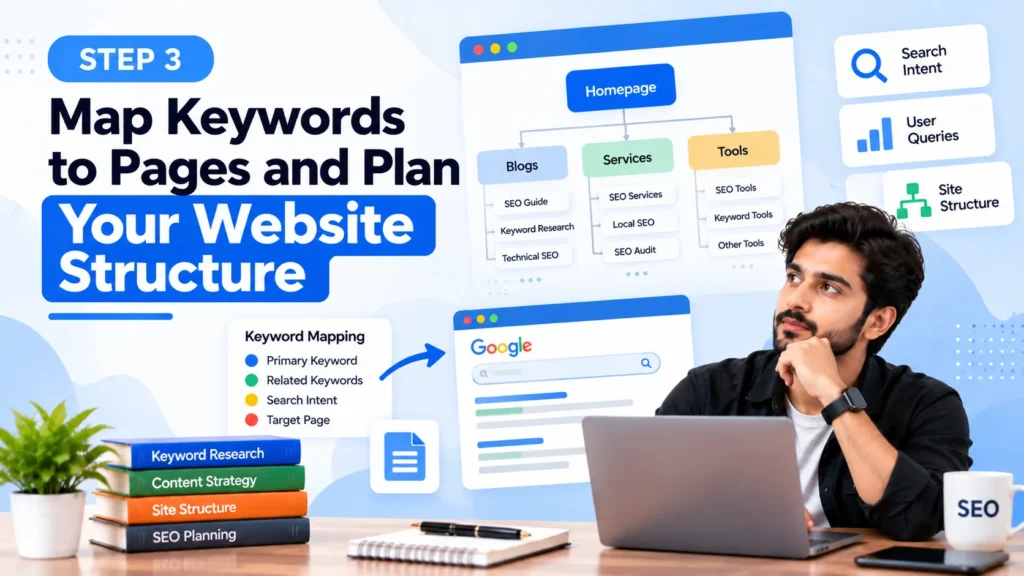
Once you have keyword ideas, decide which existing page should target each topic. This prevents duplicate work and gives your website a clearer information structure.
For example, an SEO blog could have:
- A main beginner guide covering the SEO process.
- A keyword research guide explaining how to find and evaluate queries.
- A technical SEO guide covering crawling, indexing, and common errors.
- A Search Console tutorial explaining reports and diagnostics.
- A tools guide comparing free and paid options.
The beginner guide should introduce these subjects and link to the more detailed resources. It should not repeat every detail from those pages.
Use a logical structure that allows visitors to reach important pages from the homepage, navigation, category pages, or relevant articles. Important pages should not depend solely on a sitemap for discovery.
4. Optimize Your Website Pages with On-Page SEO
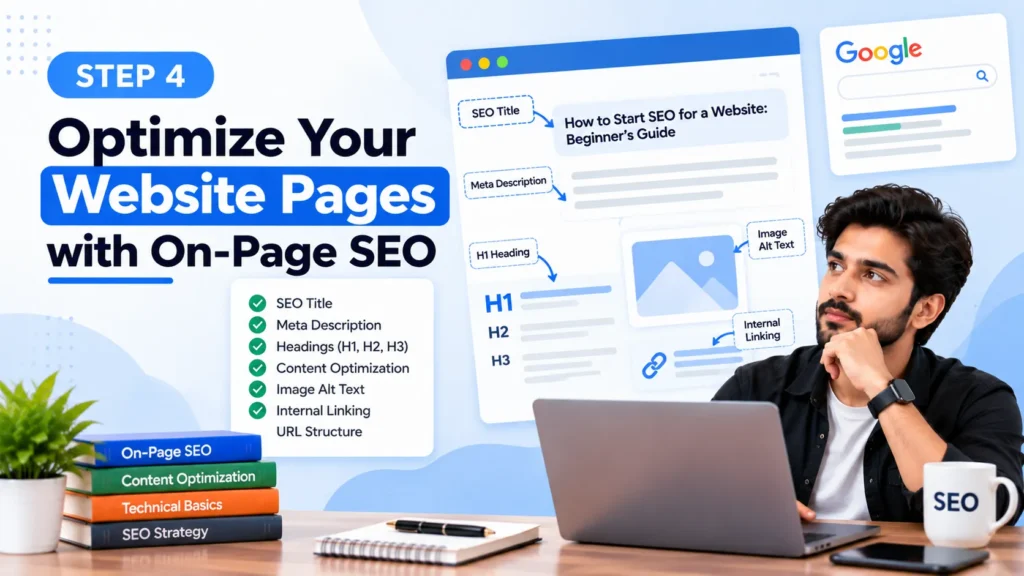
On-page SEO helps search engines and visitors understand what a page offers. Work through the following elements for each important page.
| Element | What to do | What to avoid |
|---|---|---|
| SEO title | Write a distinctive, descriptive title that accurately represents the page. | Repeating keywords or making promises the page cannot deliver. |
| Meta description | Summarize the page and its main benefit. | Treating it as a guaranteed ranking factor or repeating keywords unnaturally. |
| URL | Use a readable, descriptive URL where practical. | Changing established URLs without a reason and redirect plan. |
| Main heading | Use a clear H1 that describes the page’s subject. | Vague or misleading headings. |
| Subheadings | Organize the page into meaningful sections. | Adding headings solely to insert keywords. |
| Main content | Answer the main question and explain relevant details. | Thin, repetitive, or copied material. |
| Images | Use relevant images, descriptive filenames, and meaningful alt text when appropriate. | Keyword-stuffed alt attributes. |
| Internal links | Connect related pages with descriptive anchor text. | Linking to irrelevant pages or using misleading anchors. |
Example: If a page targets the topic technical SEO audit, explain what the audit covers, how to check crawling and indexing, how to prioritize errors, and how to confirm that fixes worked. Simply repeating the phrase throughout the article does not provide the same value.
Meta descriptions can help communicate a page’s purpose, but Google may generate a different search-result snippet based on the query and page content. There is no universal character limit that guarantees a particular display.
For additional guidance, consult Google’s SEO Starter Guide.
5. Create Helpful Content That Matches Search Intent

Content should exist to answer a real question or help a reader complete a task, not simply to target a keyword. Before writing, identify the reader’s main problem and the information they need to solve it.
Use this process:
- Define the reader’s question. State the main problem the page will solve.
- Review relevant search results. Understand the type of information users are being shown and the questions those pages address.
- Plan the structure. Put the direct answer near the beginning, followed by explanations, instructions, examples, and limitations.
- Write useful original explanations. Add practical details, meaningful examples, and clear distinctions between similar concepts.
- Support important claims. Cite official documentation for technical requirements and policies.
- Add relevant internal links. Help readers explore related topics without forcing them to leave the page.
- Review and maintain the content. Update details that have changed and remove material that no longer helps the reader.
For technical tutorials, include the steps needed to reproduce the task and verify the result. For comparison articles, explain the criteria and limitations. For business pages, make the service, intended customer, and next step clear.
Search intent can change with the query and audience. Do not assume that every keyword needs a long blog post. A tool query may be better served by a working tool, while a purchase-oriented query may need a category or product page.
Avoid publishing multiple short articles that repeat the same information. Build useful topic coverage, but create separate pages only when they serve distinct needs.
6. Fix the Technical SEO Basics
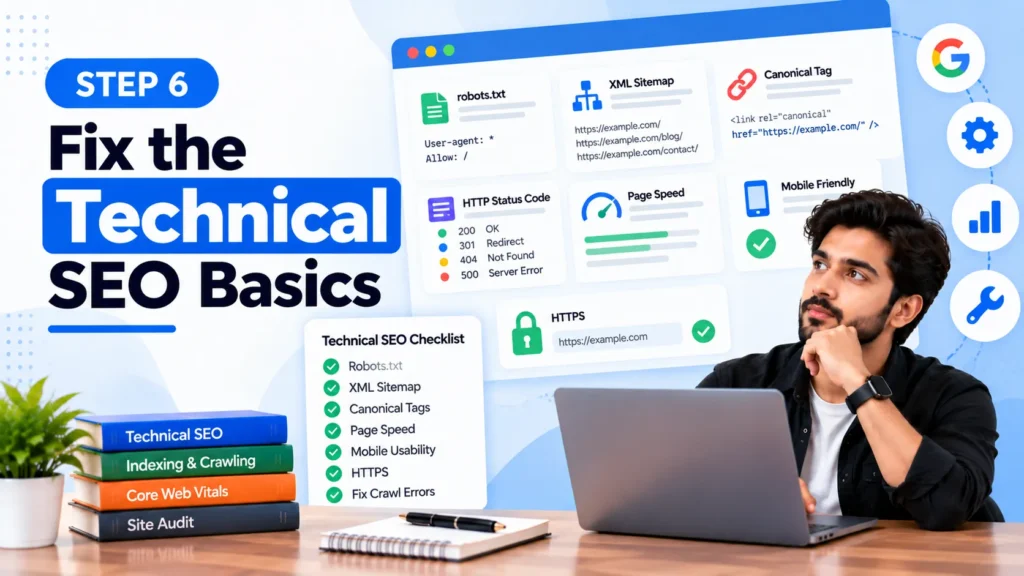
Technical SEO helps search engines access, render, and interpret your website. Start with problems that prevent important pages from working or appearing in search, then address lower-priority improvements.
Check HTTP status codes
Open important URLs and confirm they return the expected response.
- 200 OK: The page is available. This alone does not guarantee indexability.
- 301 or 308: The URL permanently redirects to another location.
- 302 or 307: The redirect is temporary.
- 404 Not Found: The requested page cannot be found.
- 5xx: The server failed to fulfill the request.
A 404 response is not automatically an SEO error. Removed pages can correctly return 404 or 410 responses. Fix broken links that matter to visitors, and redirect removed URLs when a genuinely relevant replacement exists. Avoid redirecting every deleted page to the homepage.
Check robots.txt and noindex directives
These controls do different jobs:
- robots.txt controls whether compliant crawlers are allowed to request particular URLs or resources.
- A noindex directive tells search engines not to index a page when they can access and process that directive.
For example, an accidentally applied robots meta tag may look like this:
<meta name="robots" content="noindex">If an important page contains an unintended noindex directive, remove it from the appropriate template, HTML, or HTTP header. If crawling is blocked in robots.txt, Google may be unable to see the page’s noindex instruction. Robots.txt is not a reliable way to remove a URL that is already indexed.
Check Google’s robots meta tag documentation before changing these settings.
Review canonical tags and duplicate URLs
A canonical tag identifies the preferred URL among duplicate or substantially similar pages. It is a signal, not an absolute command that guarantees Google will select that URL.
A typical self-referencing canonical tag looks like this:
<link rel="canonical" href="https://example.com/seo-guide/">Replace the example URL with the actual preferred URL. Do not copy the example directly onto a live website.
Check that:
- The canonical URL is correct and accessible.
- Important internal links point to the preferred URL.
- The XML sitemap lists the intended canonical URLs.
- Redirects and canonical tags do not send conflicting signals.
If Search Console reports a different Google-selected canonical, inspect the page’s content, redirects, internal links, and declared canonical. Correct inconsistencies rather than changing canonical tags without understanding why Google selected another URL.
Also Check : 1100+ Free Profile Creation Sites for SEO in 2026
Check your XML sitemap
An XML sitemap helps search engines discover URLs that you want considered for indexing. It should normally contain absolute URLs that are accessible, indexable, and consistent with your preferred canonical URLs. For example:
https://example.com/seo-guide/Check the sitemap’s response, URL format, and reported submission status in Search Console. Remove URLs that redirect, return errors, or should not be indexed.
See Google’s sitemap guidelines.
Review HTTPS, mobile experience, and performance
- Use HTTPS consistently and fix mixed-content or redirect problems.
- Check that navigation, text, buttons, and essential content work on mobile devices.
- Ensure that important page content is accessible to search engines, including when JavaScript is used.
- Compress oversized images and remove unnecessary scripts where appropriate.
- Check Core Web Vitals and investigate real performance problems.
Google’s current Core Web Vitals use three metrics: Largest Contentful Paint (LCP), Interaction to Next Paint (INP), and Cumulative Layout Shift (CLS). The commonly documented good thresholds, measured at the 75th percentile of visits, are LCP at or below 2.5 seconds, INP at or below 200 milliseconds, and CLS at or below 0.1.
Use PageSpeed Insights to examine both available field data and diagnostic lab results. Field data describes real-user experience when sufficient data is available; lab tests provide controlled diagnostics. A performance score is not the same as a ranking position, and improving every score to 100 is not a requirement for successful SEO.
7. Build Internal Links and Earn Relevant Backlinks
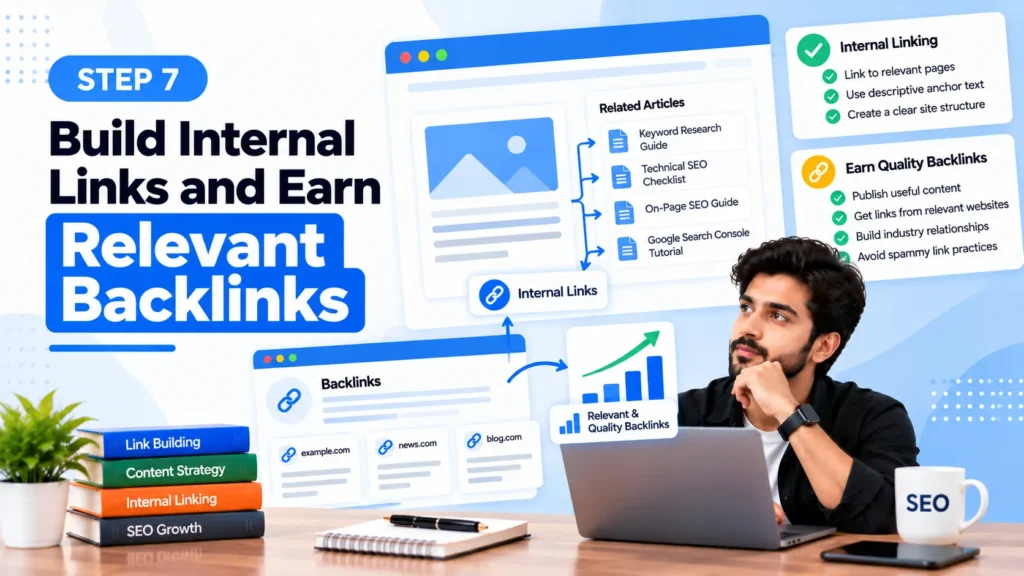
Internal links connect pages on your own website. They help visitors navigate related information and give search engines additional paths to discover URLs.
For a beginner SEO guide, link to detailed articles on keyword research, technical SEO, Search Console, and SEO tools when those resources provide useful next steps. Use anchor text that describes the destination naturally.
Backlinks are links from other websites to yours. Relevant, editorially earned links can help people discover your content and may contribute to Google’s assessment of its prominence.
You can work toward earning legitimate links by:
- Publishing genuinely useful resources.
- Producing original research when you have reliable data.
- Sharing expert explanations and practical resources with relevant publishers.
- Building relationships with organizations and professionals in your field.
- Correcting broken links or suggesting a useful resource when it genuinely improves the destination page.
Avoid buying links intended to manipulate rankings, exchanging links at scale, or using automated submissions to manufacture backlinks. Paid placements should use appropriate link qualification, such as rel="sponsored" where applicable, in line with Google’s spam policies.
Do not judge link quality using a third-party authority score alone. Consider editorial relevance, the actual linking page, audience value, placement, and whether the link was earned legitimately.
8. Measure SEO Performance and Improve Your Pages
SEO decisions should be based on evidence. Search Console helps you understand how your website appears in Google Search, while Analytics can show what visitors do after reaching your website.
Use the Search Console Performance report to review:
| Metric | What it means | How to use it |
|---|---|---|
| Impressions | Times your results were shown in the report’s measurement context. | Identify queries and pages gaining search visibility. |
| Clicks | Clicks from Google Search results to your website. | Find pages that attract search visits. |
| Click-through rate (CTR) | Clicks divided by impressions. | Investigate whether titles, snippets, and query intent align. |
| Average position | An aggregated position metric for the selected reporting scope. | Review trends alongside clicks, impressions, and query mix. |
| Indexing status | Whether Google has indexed a URL or reports an indexing issue. | Diagnose pages that are missing from search. |
Use these metrics together. A change in average position does not automatically mean that a page has improved or declined for every query. Performance can vary by query, location, device, and search feature.
Try the following decision process:
- Impressions are increasing, but clicks are not: Review the actual queries, competing results, page title, snippet, and search intent. Do not assume the title is always the cause.
- An important page is not indexed: Inspect the URL in Search Console and investigate crawl access, indexability, canonicalization, response status, and content.
- A page receives traffic but few conversions: Review whether the content matches visitor expectations and whether the next step is clear.
- Several pages target the same intent: Review whether they offer distinct value. Consolidate or redirect pages only when the evidence supports doing so.
- Traffic drops suddenly: Compare dates, pages, queries, devices, and countries. Check for technical changes, reporting differences, manual actions, and relevant Google announcements before attributing the decline to an algorithm update.
Google notes that SEO changes can take time to be reflected in Search. Some changes may be processed quickly, while others may take weeks or months. There is no universal timeline for ranking or traffic improvements.
Review Google’s Search Console Performance report documentation and maintain a record of significant website changes so you can compare performance over time.
Free SEO Tools for Beginners
You can start learning SEO without buying a premium subscription. Choose tools based on the task you need to complete rather than installing every tool available.
| Tool | Best use | Important limitation |
|---|---|---|
| Google Search Console | Search performance, URL inspection, indexing reports, and sitemap monitoring. | Reports only the data available to the property and its reporting features. |
| Google Analytics | Website traffic, engagement, and configured conversions. | Tracking configuration and consent choices affect the data collected. |
| Google Trends | Comparing relative search interest over time and across regions. | Relative interest is not the same as exact search volume. |
| Google Keyword Planner | Keyword ideas and advertising-oriented search estimates. | Estimates are designed for advertising workflows and may not match other SEO tools. |
| PageSpeed Insights | Performance diagnostics and available Core Web Vitals field data. | Lab and field results measure different conditions. |
| Screaming Frog SEO Spider | Crawling URLs and finding technical and on-page issues. | The free version has crawl and feature limits that may change; check current product documentation. |
A practical starting setup is Search Console for search visibility, Analytics for website outcomes, and PageSpeed Insights for performance diagnostics. Add a crawler or keyword research platform when your site size or research needs justify it.
SEO Checklist for Beginners
Use this checklist to establish a working SEO process rather than treating SEO as a one-time setup.
- Verify the website in Google Search Console.
- Identify important business, category, service, and informational pages.
- Inspect key URLs for crawling and indexing problems.
- Submit an appropriate XML sitemap.
- Research relevant keywords and search intent.
- Map each important topic to a suitable page.
- Improve titles, headings, content, URLs, images, and internal links.
- Check HTTP responses, robots.txt, noindex directives, and canonical tags.
- Test mobile usability and investigate meaningful performance issues.
- Configure Analytics and relevant conversion tracking where appropriate.
- Publish or improve content that answers genuine audience questions.
- Review Search Console performance on a consistent schedule.
- Record important changes and check their outcomes over time.
A Simple 30-Day SEO Plan for Beginners
If you are unsure where to start, use this four-week plan. Adjust it to the size of your website and the time you have available. It is a work schedule, not a promise of ranking improvements within 30 days.
| Period | Main tasks | Deliverable |
|---|---|---|
| Week 1 | Set up Search Console and Analytics, inspect important URLs, check sitemap and technical access. | Baseline report and prioritized issue list. |
| Week 2 | Research keywords, review search intent, and map topics to existing pages. | Keyword and page-mapping sheet. |
| Week 3 | Improve the highest-priority pages, titles, headings, content, and internal links. | Updated priority pages. |
| Week 4 | Review indexing and performance, fix remaining critical issues, and plan the next content improvements. | Measurement report and next-month action plan. |
Prioritize issues that block important pages before spending time on small cosmetic changes. On a new website, focus first on a sound technical foundation and useful core pages. On an established website, use actual performance and indexing data to decide where to work next.
Also Check: Types of Digital Marketing: 9 Practical Strategies Explained
Conclusion
The most practical way to start SEO for a website is to work through a repeatable process: establish measurement, check technical access, research relevant keywords, improve important pages, publish useful content, connect related pages, and review the results.
You do not need to master every advanced SEO technique before getting started. Learn the fundamentals, implement changes carefully, and verify what happened instead of assuming that every recommendation will produce the same outcome.
SEO is an ongoing process. Consistent, evidence-based improvements help you make better decisions, but no checklist or individual technique guarantees rankings, organic traffic, or conversions.
FAQs About How to Start SEO for a Website
Can I do SEO myself as a beginner?
Yes. You can handle keyword research, basic on-page optimization, content improvements, Search Console checks, internal linking, and routine performance monitoring yourself. Complex migrations, large-scale technical issues, and advanced implementations may require specialist support.
How long does SEO take to show results?
There is no fixed timeline. Some changes may be processed quickly, while measurable ranking and traffic changes can take weeks or months. The outcome depends on the website, competition, content, technical condition, and other factors.
How can I get my website indexed by Google?
Verify your website in Search Console, inspect important URLs, fix crawling or indexing problems, and submit an appropriate XML sitemap. Google decides which eligible pages to index, so neither sitemap submission nor an indexing request guarantees inclusion.
Can I start SEO without paid tools?
Yes. Search Console, Google Trends, PageSpeed Insights, and other free resources provide a useful starting point. Paid tools can help when you need larger-scale crawling, competitive research, or more extensive reporting.
What should I learn first in SEO?
Start with search intent, keyword research, on-page SEO, crawling and indexing, internal linking, and Search Console. Practice these fundamentals on a real website before moving into more advanced technical or off-page work.
How do I know whether my SEO work is improving the website?
Track clicks, impressions, relevant queries, landing pages, indexing status, and business conversions where measurable. Compare similar reporting periods and investigate the reasons behind changes rather than relying on a single ranking or performance metric.
Comments
No comments yet. Be the first to share your thoughts or ask a question.