10 Technical SEO Myths Beginners Should Stop Believing

Written by Shivam Panchal
Founder & SEO Consultant, SEO Shades

If your website is not ranking on Google, the problem may not be your content.
You might be publishing helpful articles on your website, building backlinks, and targeting relevant keywords. But if Google cannot properly crawl or index your important pages, your SEO efforts may not deliver the results you expect.
On the other hand, finding 100 errors in an SEO tool does not mean you need to fix all of them immediately. Fixing every reported issue does not guarantee better rankings.
The real challenge in Technical SEO is understanding which SEO problems actually affect your website’s crawling, indexing, search visibility, or user experience.
I’m Shivam Panchal, founder of SEO Shades. In this article, I’ll explain 10 common Technical SEO myths that confuse beginners and even experienced SEO professionals.
I’ll also share a practical Technical SEO audit checklist to help you understand where to start and which issues to prioritize.
What Is Technical SEO?
Technical SEO is the process of configuring and maintaining a website so search engines can discover, crawl, and process its important pages. It helps search engines understand your website and determine which pages are eligible for indexing.
It covers several areas, including website architecture, internal linking, robots.txt, XML sitemaps, canonical tags, redirects, HTTP status codes, JavaScript rendering, and page experience.
But there is one thing worth remembering: Technical SEO is not about eliminating every possible error from your website.
The goal is to identify and fix problems that genuinely affect search visibility, crawling, indexing, or user experience.
Let’s look at the 10 most common Technical SEO myths and understand what you should do instead.
Related Post : How to Start SEO for a Website: A Step-by-Step Guide for Beginners
10 Most Common Technical SEO Myths in 2026
Here is list of 10 most common technical SEO Myths. You need to know before auditing your website.
Myth 1: Fixing Technical SEO Automatically Improves Rankings

One of the most common myths is that a website will start ranking on Google as soon as its Technical SEO is properly configured.
That is not how SEO works.
Technical SEO helps search engines access and process your website. However, a technically sound website alone is not enough to achieve good rankings.
For example, suppose you have improved your website speed, submitted your XML sitemap, corrected your canonical tags, and made sure all-important pages are crawlable.
But your content does not answer the user’s question properly, or it provides less value than competing pages.
In that case, technical improvements alone will not get you to the top of Google.
The same applies to websites that have a good technical setup but do not publish useful content for relevant search queries.
Google’s search systems consider relevance, content quality, and other signals when determining which pages to show in search results.
Does this mean Technical SEO is not important? Of course not.
It provides the foundation that helps search engines access and process your website, but it is only one part of a complete SEO strategy.
What you should do: Treat Technical SEO as the foundation of your SEO strategy. Combine it with helpful content, search intent optimization, internal linking, and relevant link building.
Myth 2: You Must Fix Every Error in Google Search Console
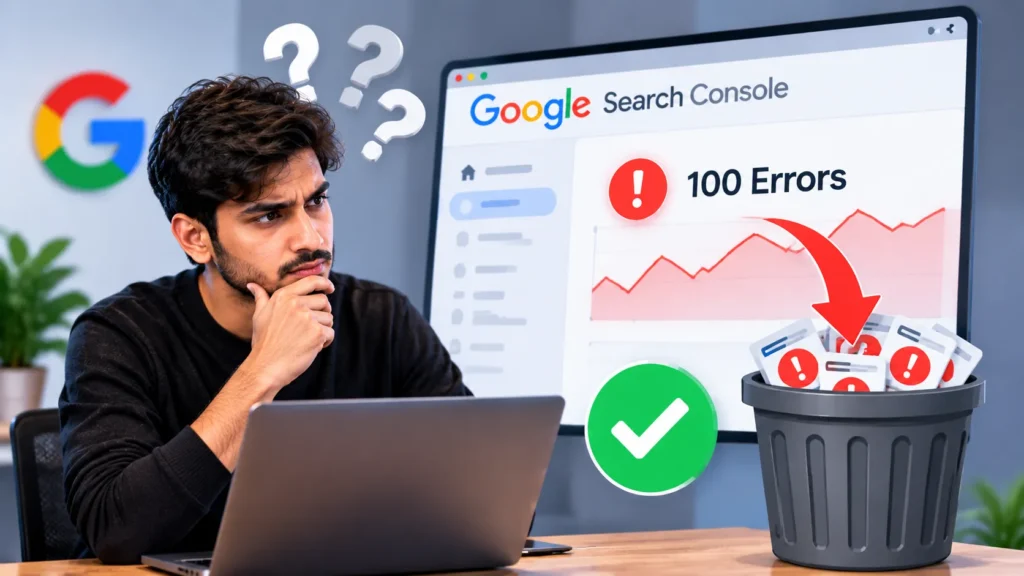
Many website owners open Google Search Console, check the Page Indexing report, and immediately start fixing every warning or error they find.
But is every reported issue an actual problem?
No.
For example, your website may have filtered URLs, tracking parameters, or duplicate URL versions. Google may choose not to index some of these URLs, and that can be completely normal.
Similarly, if you have intentionally added a no index directive to a page, its absence from Google’s index is not necessarily an issue.
Now consider a different situation. Your main service page has accidentally been marked as noindex.
That is a problem worth fixing because the page is supposed to appear in search results.
Both situations involve indexing, but the correct actions are different.
This is why you should never make decisions based only on the number of errors reported by a tool.
First, identify the affected URL. Then determine whether that URL should be indexed. Finally, investigate why the issue is occurring.
Use the Page Indexing report in Google Search Console to understand the reported reasons. You can also inspect important URLs individually using the URL Inspection Tool.
What you should do: Do not aim to fix every warning. Focus on making sure your important pages can be crawled and indexed as intended.
Myth 3: Submitting an XML Sitemap Guarantees Indexing
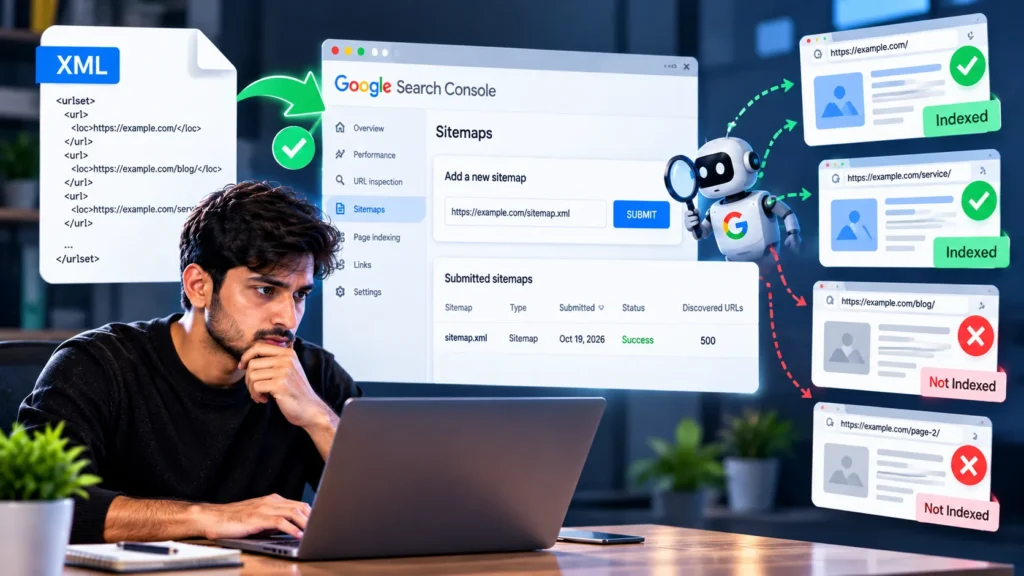
Another common myth is that Google will index every page once you submit an XML sitemap through Google Search Console.
Here is the important difference.
An XML sitemap helps Google discover URLs on your website. However, including a URL in a sitemap does not guarantee that Google will index it.
Suppose your website has 500 pages and you include every URL in your sitemap.
Some of those pages may be duplicates. Others may contain a noindex directive, point to different URLs through canonical tags, or have content that is very similar to other pages.
Google does not necessarily need to index every one of those URLs.
So, what should you check after submitting a sitemap?
Start by opening your sitemap and checking whether it contains the URLs you actually want to appear in search results.
Then inspect your important URLs using Google’s URL Inspection Tool.
Check the reported indexing status, whether Google has crawled the page, and whether there are any issues preventing it from being indexed.
One more thing to remember: Adding a URL to your sitemap does not guarantee that Google will crawl it quickly.
What you should do: Treat your XML sitemap as a URL discovery tool, not an indexing guarantee. Include your preferred, indexable URLs and check the indexing status of important pages separately.
Related Post : 2000+ Social Bookmarking Sites: Best Platforms for SEO
Myth 4: Robots.txt and Noindex Do the Same Thing

Many beginners assume that robots.txt and noindex serve the same purpose. They do not.
Robots.txt tells crawlers which paths on your website they are allowed or disallowed to crawl.
A noindex directive tells search engines not to index a page when they can access and read that directive.
Let’s understand this with an example.
Suppose you want to remove an important blog page from Google’s search results.
If you block that page in robots.txt, Google may not be able to crawl it and read the noindex directive placed on the page.
As a result, blocking a URL through robots.txt is not a reliable way to remove it from search results. In some situations, the URL may still appear in search results without its page content.
If your goal is to remove a page from Google’s index, the usual approach is to keep the page crawlable and use a noindex directive.
Robots.txt still has an important role, but it is mainly used to control crawling.
It is also worth remembering that robots.txt is not a security system. You cannot protect sensitive information simply by blocking its URL in this file.
What you should do: Understand the difference between crawling control and indexing control. Use robots.txt and noindex according to their actual purposes.
Myth 5: Website Speed Is the Most Important Ranking Factor
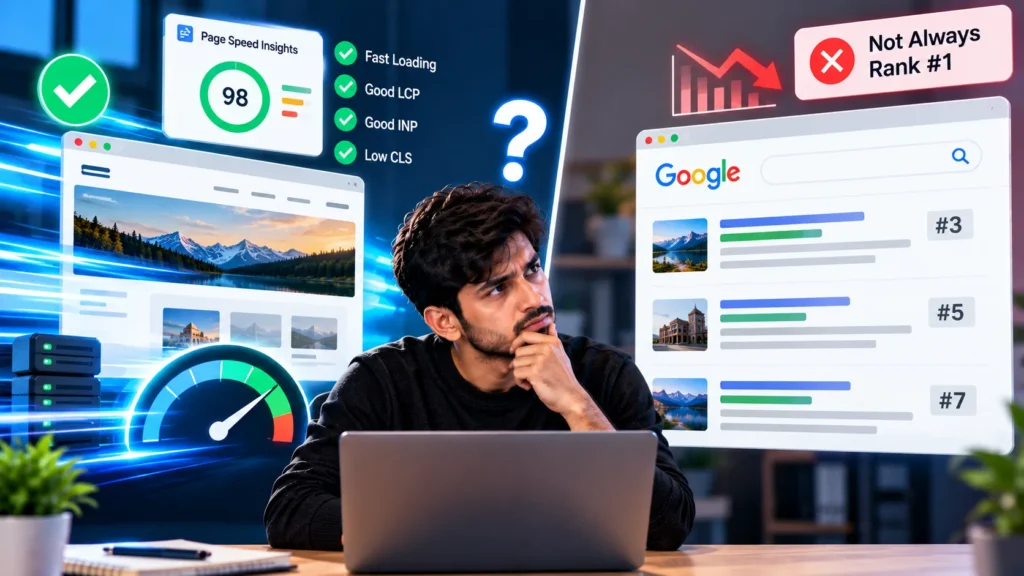
You have probably heard that a website must load quickly or it will not rank on Google.
Website speed matters, but the fastest website does not automatically rank first.
Google considers page experience and Core Web Vitals, but rankings do not depend on these signals alone.
Core Web Vitals includes three main metrics.
1. Largest Contentful Paint (LCP)
LCP measures how quickly the main visible content of a page loads.
If your website has a slow LCP, investigate factors such as large hero images, server response times, and render-blocking resources.
2. Interaction to Next Paint (INP)
INP measures how quickly a page responds to user interactions.
If your INP is poor, check for heavy JavaScript, slow event handlers, and other issues that delay the page’s response.
3. Cumulative Layout Shift (CLS)
CLS measures unexpected layout movement while a page loads.
If your CLS is high, check image dimensions, advertisements, and dynamically inserted elements that may cause the layout to shift.
These metrics should be evaluated in the context of the actual user experience.
Trying to achieve a perfect score in PageSpeed Insights by making unnecessary changes is not a good approach. Identify the real performance problem first, then work on fixing it.
What you should do: Do not focus only on your PageSpeed score. Test important pages, investigate performance issues, and prioritize improvements that make the website faster and easier to use.
Related Post : 1100+ Free Profile Creation Sites for SEO in 2026
Myth 6: Adding a Canonical Tag to Every Page Is Enough

Canonical tags help search engines identify the preferred URL among similar or duplicate pages.
For example, a product page may be accessible through multiple URL versions, such as URLs with tracking parameters and URLs without them.
In such cases, a canonical tag can help Google understand which version you prefer.
However, a canonical tag is not an absolute command. Google may select a different canonical URL based on other signals.
Suppose your preferred URL is:
example.com/product/
But your canonical tag points to an unrelated category page.
You have added a canonical tag, but the configuration is incorrect.
This is why the presence of a canonical tag alone is not enough.
Check whether the canonical URL is correct, the preferred URL is crawlable, and your internal links, sitemap, and redirects are consistent.
Another common mistake is pointing every page’s canonical tag to the homepage.
If your pages serve different purposes, pointing them all to the homepage without a valid reason can send incorrect signals.
What you should do: Configure canonical tags carefully. Keep your preferred URLs consistent across internal links, sitemaps, and redirects. Do not treat canonical tags as a universal solution to every indexing problem.
Myth 7: 404 Errors Always Damage Website Rankings

You open Google Search Console and find several 404 errors. Does that mean your website’s SEO is damaged?
Not necessarily.
A 404 status means the requested page was not found.
If you intentionally removed an old page that is no longer needed, returning a 404 status can be perfectly normal.
However, if an important page was accidentally deleted and it previously received valuable traffic or backlinks, you should investigate the issue.
Similarly, if internal links repeatedly send users to broken URLs, those links should be updated.
If a page has permanently moved to a relevant replacement, you can use an appropriate 301 redirect.
But redirecting every 404 URL to the homepage is not the right solution either. If the destination is unrelated, it can confuse users and may be treated as an irrelevant redirect by search engines.
The correct action depends on why the URL returns a 404 and whether the page still has value.
What you should do: Check whether the URL is important, receives traffic or backlinks, or has a relevant replacement. Based on that information, decide whether to restore the page, redirect it, or leave the 404 response in place.
Myth 8: Rankings Drop as Soon as Core Web Vitals Fail
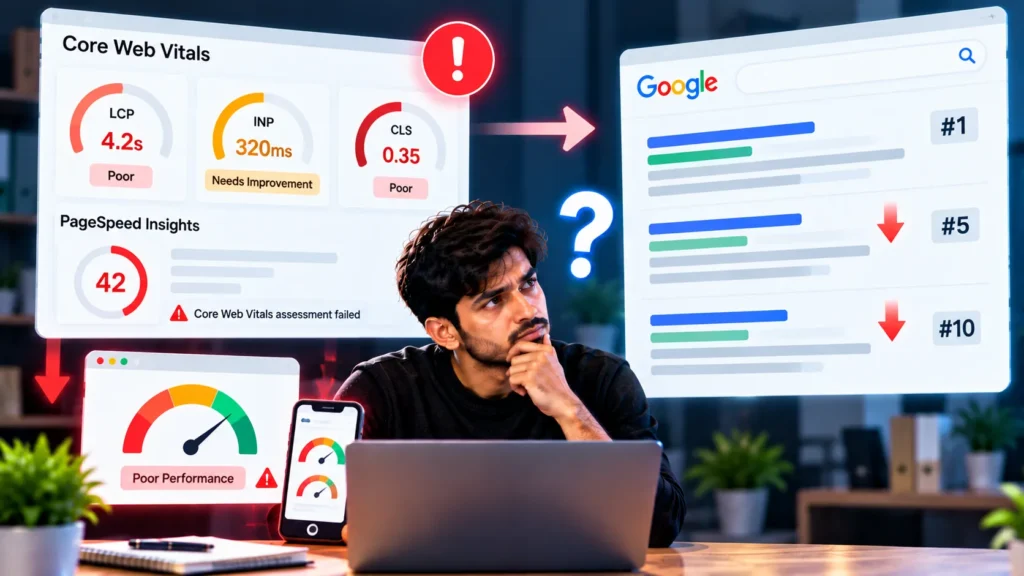
This is another common misconception.
Website owners see that their Core Web Vitals are failing and assume that this is the reason their rankings have dropped.
But correlation and causation are not the same thing.
If your rankings decline, blaming Core Web Vitals without investigating other factors is not a reliable way to diagnose the problem.
You should also check:
- Has the search intent behind your target keywords changed?
- Have competitors published more useful or relevant content?
- Are there any crawling or indexing issues affecting important pages?
- Have there been broader changes in Google’s search results?
Improving Core Web Vitals can still be worthwhile because it may improve the user experience.
However, identifying the actual cause of a ranking decline requires looking at multiple signals rather than focusing on a single metric.
What you should do: Do not diagnose SEO problems using one metric alone. Review Search Console performance data, indexing status, competitors, and page experience together.
Myth 9: Crawl Budget Is Important for Every Website

You may have heard that optimizing crawl budget is essential for SEO.
But does every website need to worry about crawl budget?
No.
Crawl budget can be particularly important for large websites, such as e-commerce stores, news websites, and websites with many URLs that change frequently.
However, if your website has 30 or 50 useful pages and Google is crawling them properly, crawl budget may not be your biggest concern.
For smaller websites, checking indexing, internal linking, content quality, and website architecture may be a better starting point.
The situation is different when a website has hundreds of thousands of URLs, generates numerous URL combinations through faceted navigation, or causes Googlebot to spend time crawling unnecessary URLs.
In these cases, investigating crawl efficiency can be important.
Google Search Console’s Crawl Stats report and server logs, when available, can help you understand how Googlebot crawls your website.
What you should do: Prioritize crawl budget according to your website’s size and actual crawling behaviour. Do not apply the same crawl budget strategy to every website.
Myth 10: Correct Sitemaps, Robots.txt, and Canonical Tags Mean Technical SEO Is Complete

We have covered sitemaps, robots.txt, canonical tags, website speed, and 404 errors.
But does getting these things right mean your Technical SEO is complete?
Not at all.
You also need to understand your website’s overall structure.
Suppose you publish a helpful blog post but do not link to it from any other page on your website.
This may create an orphan page, which is a page that has no incoming internal links from other pages on the site.
If there is no other way for search engines to discover that page, finding it may become more difficult.
This is why internal linking matters. Important pages should receive relevant links from other pages on your website.
JavaScript rendering is another area to consider. If your website relies heavily on JavaScript but important content or links are not available properly after rendering, you may need to investigate rendering issues.
Other technical issues can include:
- Redirect chains
- Mixed HTTP and HTTPS URLs
- Mobile rendering problems
- Duplicate URL patterns
- Incorrect HTTP status codes
- Internal linking issues
- Orphan pages
You should not blindly fix every issue using the same checklist.
Understand your website architecture, page templates, and important user journeys before deciding which problems to address first.
Most importantly, verify every change after implementation to confirm that the issue has actually been resolved.
What you should do: Treat Technical SEO as an ongoing process of monitoring, diagnosing, and maintaining your website, rather than a checklist you complete just once.
Practical Technical SEO Audit Checklist
If you want to start a Technical SEO audit of your website, you do not need to use every advanced SEO tool available.
Start with the fundamentals and prioritize issues based on their impact.
Step 1: Check Indexing in Google Search Console
Open Google Search Console and review the Page Indexing report.
Check whether any major indexing issues are affecting your website.
Use the URL Inspection Tool to verify important pages individually. Do not draw conclusions simply from the total number of reported errors.
Step 2: Check the Status of Important URLs
Create a list of your most important URLs. Include your homepage, service pages, category pages, and top-performing blog posts.
Check whether these URLs return the expected HTTP 200 status, are crawlable, and use the correct canonical URLs.
If an important page returns a 404 or 5xx status, investigate the reason.
Step 3: Review Robots.txt and Noindex Directives
Confirm that important pages are not accidentally blocked in robots.txt or marked with a noindex directive.
If your website runs on WordPress, review your SEO plugin settings and the output generated by your theme as well.
Step 4: Review Your XML Sitemap
Your sitemap should contain preferred, canonical, indexable URLs.
Identify deleted pages, unnecessary parameter URLs, and incorrect canonical versions.
Even after submitting your sitemap, check the indexing status of your important pages separately.
Step 5: Investigate Internal Linking and Orphan Pages
Check whether your important pages receive relevant internal links.
If an important page has no internal links pointing to it, improve its internal linking where appropriate.
Finding orphan pages is only the first step. Prioritize pages that matter most for your business, traffic, and search visibility.
Step 6: Test Performance and Mobile Experience
Use PageSpeed Insights to test representative pages from your website.
Testing only the homepage is not enough. Review important service pages, blog templates, and category pages as well.
Check metrics such as LCP, INP, and CLS, then investigate and fix the underlying performance issues.
Step 7: Check Redirects, Broken Links, and Status Codes
Identify unnecessary redirect chains, broken internal links, and incorrect status codes on important URLs.
If a page has permanently moved to a relevant replacement, implement an appropriate redirect.
Do not redirect every 404 URL without first understanding its purpose and importance.
Step 8: Verify Your Changes
After fixing an issue, test the affected URLs again.
Confirm that the page returns the expected status, uses the correct canonical URL, and no longer has the crawling or rendering issue you were trying to fix.
Where appropriate, use validation features or request a recrawl through Google Search Console. Remember that requesting a recrawl does not guarantee indexing.
If you are a beginner, focus on these steps first. You do not need every advanced SEO tool to identify and fix the most important technical problems.
What Is the Biggest Mistake in Technical SEO?
In my experience, one of the biggest mistakes is fixing errors reported by SEO tools without understanding their actual impact on the website.
Technical SEO does not mean having zero errors.
It means making sure search engines can discover and process your important pages, understand your website structure, and provide users with a good experience.
Submitting a sitemap is useful, but it does not guarantee indexing.
Robots.txt and noindex serve different purposes.
Canonical tags are important, but they do not solve every problem.
Website speed matters, but rankings are not determined by PageSpeed scores alone.
And crawl budget is not the biggest concern for every website.
You need to understand the actual problem behind the numbers reported by your tools. When you prioritize issues according to their impact, you can spend more time on fixes that genuinely matter.
Final Thoughts
Technical SEO is an ongoing process. New pages get published, old URLs change, plugins and themes get updated, and technical issues can appear over time.
That is why regular audits and verification are important.
If you are auditing your website, start by checking whether search engines can crawl and index your important pages. Then review internal linking, canonical tags, sitemaps, redirects, and website performance.
You do not need to fix every issue at once. Start with the problems that have the greatest impact on your important pages and users.
I’m Shivam Panchal, founder of SEO Shades. If you want to learn SEO through practical examples, you can explore more guides on SEO Shades.
Which Technical SEO issue do you find the most confusing: indexing, canonical tags, robots.txt, XML sitemaps, or Core Web Vitals?
Share your answer in the comments. I’ll use your questions to explain these topics with practical examples in future articles.
Frequently Asked Questions About Technical SEO
1. What is Technical SEO?
Technical SEO involves improving a website’s technical setup so search engines can discover, crawl, and process its important pages. It includes website architecture, internal linking, robots.txt, XML sitemaps, canonical tags, redirects, and page performance.
2. Is Technical SEO important for Google rankings?
Yes, Technical SEO helps search engines access and understand your website. However, good Technical SEO alone does not guarantee higher rankings. Content quality, search intent, relevance, competition, and other factors also matter.
3. How do I check Technical SEO issues on my website?
Start with Google Search Console to review indexing reports and inspect important URLs. You can also use PageSpeed Insights to check performance, review your XML sitemap and robots.txt, and crawl your website to identify broken links, redirect chains, and orphan pages.
4. Does submitting an XML sitemap guarantee indexing?
No. An XML sitemap helps Google discover URLs, but it does not guarantee that every submitted page will be crawled or indexed. Google considers factors such as page accessibility, canonical signals, content quality, and whether the page is suitable for indexing.
5. What is the difference between robots.txt and noindex?
Robots.txt controls which parts of a website crawlers are allowed to access. A noindex directive tells search engines not to include a page in their index when they can crawl the page and read the directive. Blocking a page in robots.txt does not reliably remove it from search results.
6. Do 404 errors affect SEO?
Not all 404 errors are SEO problems. A deleted page that is no longer needed can correctly return a 404 status. However, broken internal links, accidentally deleted important pages, and URLs with valuable backlinks or traffic should be investigated.
7. Do Core Web Vitals directly affect website rankings?
Core Web Vitals are part of Google’s page experience considerations, but they do not determine rankings on their own. Relevant content, search intent, and other signals also matter. Improving these metrics can help provide a better user experience.



Comments
No comments yet. Be the first to share your thoughts or ask a question.